
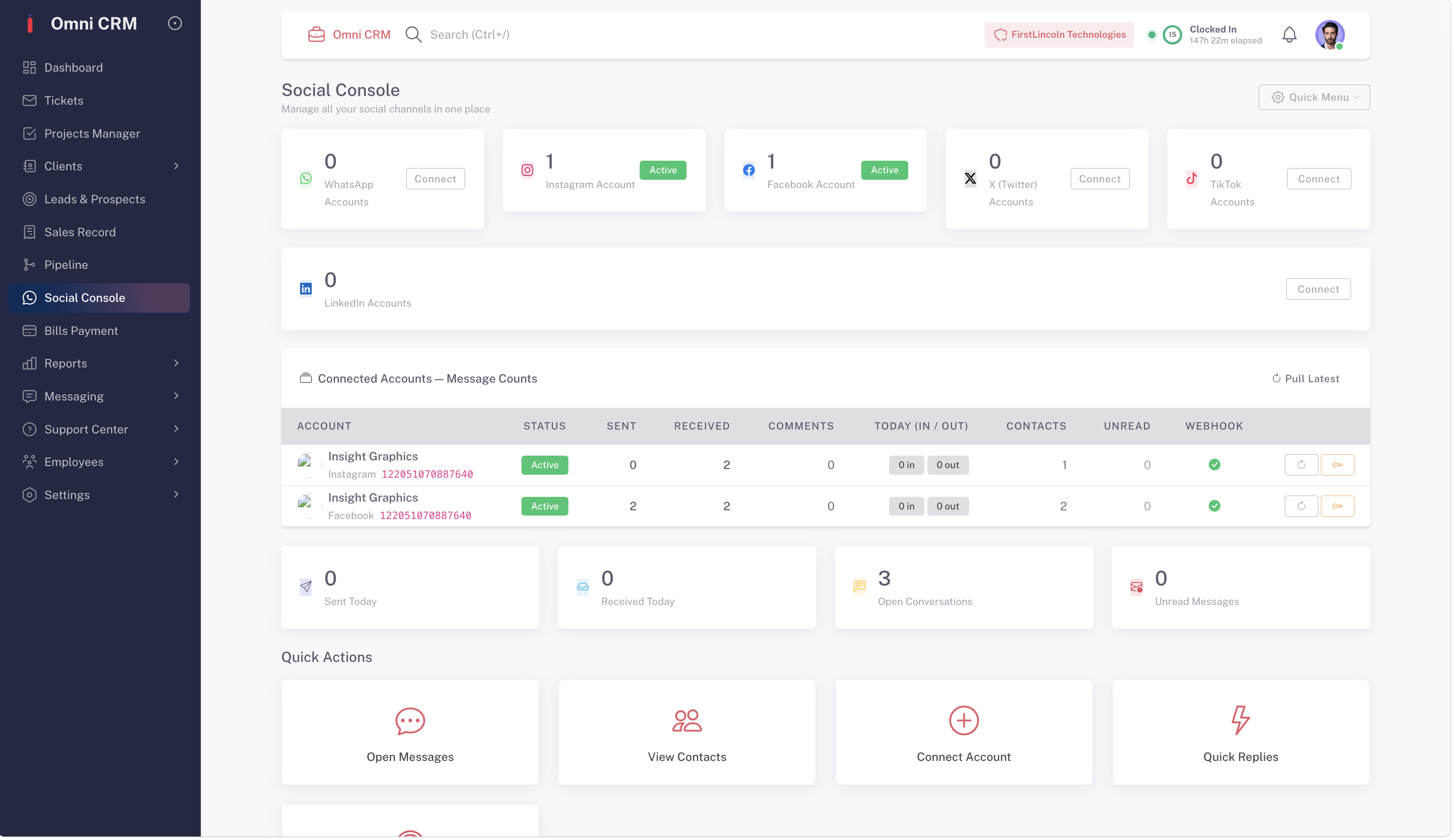
Everything You Need to Get the Most Out of OmniCRM
Getting Started with OmniCRM
Follow step-by-step setup guides, video walkthroughs, and feature documentation built for every experience level — whether you're a first-time CRM user or migrating from another platform
Every guide is kept up to date with the latest OmniCRM features, interface updates, and best practices so you're always working with accurate, current information
Everything your team needs to get started in one place


User & Role Management
Learn how to create your organization structure in OmniCRM — add team members, assign roles, set permissions, and configure your admin panel so every person on your team has exactly the access they need from day one.
Go from setup to fully operational in under 30 minutes
OmniCRM is designed for teams that need to move fast. Our user guide walks you through every step of your setup — importing contacts, building your pipeline, connecting integrations, and configuring automations — so your team is productive from the moment you log in
-
Follow our quickstart checklist to complete your account setup, import your existing data, and launch your first pipeline — all within your first session, with no technical background required
-
Use OmniCRM's guided onboarding assistant to walk through each feature module at your own pace — with interactive tips, contextual help, and progress tracking built directly into the platform

One guide for your entire OmniCRM journey
Your OmniCRM user guide covers every feature, every workflow, and every use case — organized by topic so you can find what you need instantly and get back to work

Everything from account creation and team setup to pipeline configuration and your first automation — your complete beginner's guide to OmniCRM from day one
-
Import your existing contacts from a spreadsheet, another CRM, or a connected app in minutes — OmniCRM's import wizard maps your data automatically so nothing gets lost in the transition
-
Set up your first sales pipeline with custom stages, deal fields, and automation triggers using OmniCRM's drag-and-drop pipeline builder — no code, no consultants, no complexity
Learn how to read your dashboard, customize your views, and set up the widgets, reports, and shortcuts that matter most to your daily workflow — so OmniCRM works the way you do, not the other way around
From beginner to power user — at your own pace
Whether you're learning OmniCRM for the first time or looking to unlock advanced automation, AI features, and custom integrations, our user guide grows with you. Every section is written in plain language, with real examples and step-by-step instructions that work for teams of any size and technical background.
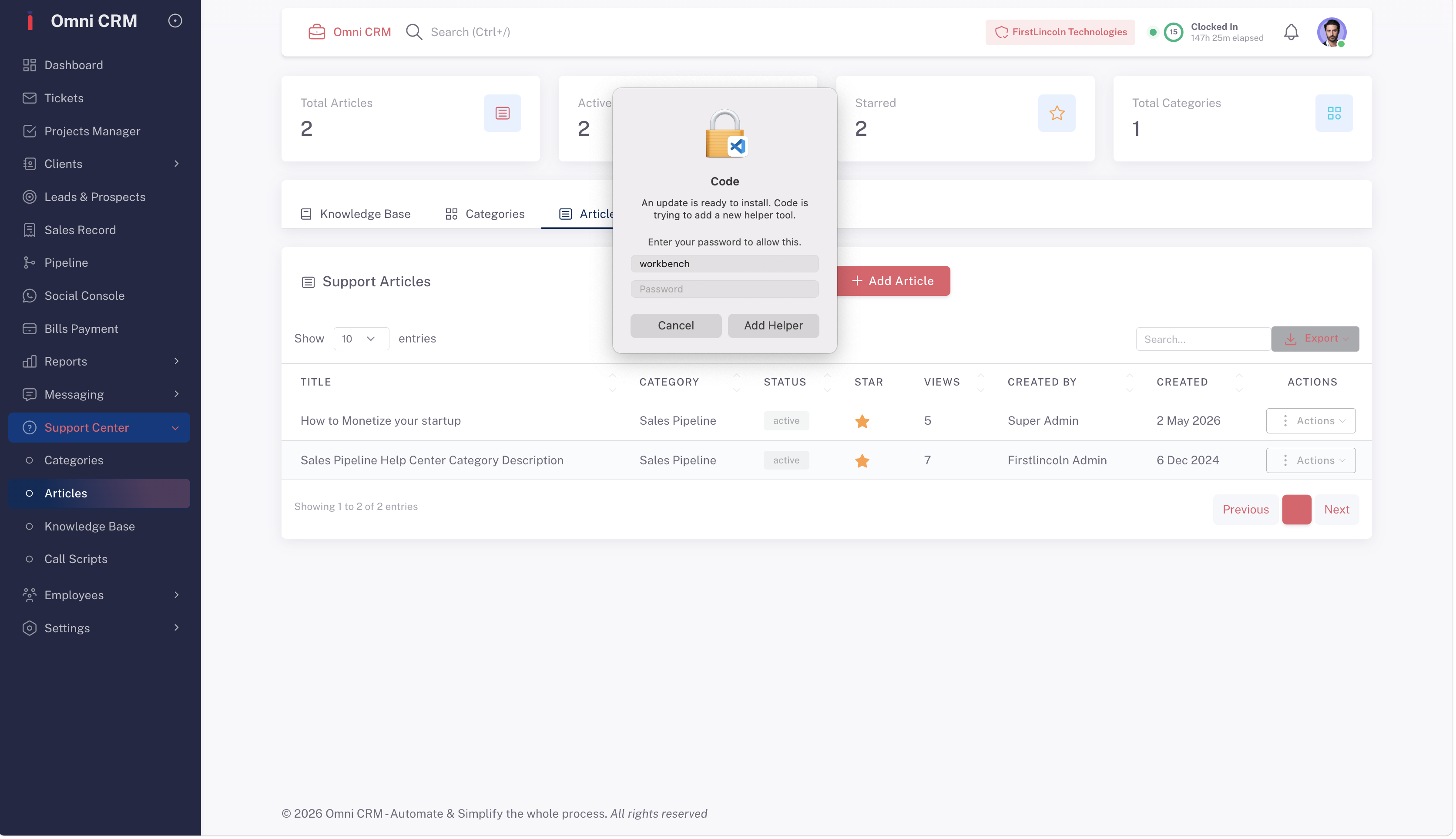
OmniCRM's in-app AI assistant can answer your questions, suggest the next setup step, and point you to the right guide section in real time — so you never have to pause your workflow to search for help.
Once you've mastered the basics, our advanced guide sections walk you through building multi-step automations, custom reporting dashboards, AI-powered pipelines, and complex integration workflows — giving your team the full power of OmniCRM at every stage of your growth.

Use the guide to build processes that run themselves
The OmniCRM user guide doesn't just explain features — it shows you how to combine them into powerful, automated workflows that eliminate manual work from your daily operation. From lead capture to deal closure, every step of your process can be automated using the techniques covered in our advanced guide sections
From setting up your first WhatsApp automation to building a complete customer onboarding journey that runs without human intervention — the OmniCRM user guide gives you the knowledge to transform how your business operates.
Frequently asked questions
-
Where do I start if I'm new to OmniCRM?
Start with the Getting Started section of the user guide — it walks you through account setup, team configuration, pipeline creation, and your first automation in a logical, step-by-step sequence. Most new users are fully set up and actively working in OmniCRM within 30 minutes of their first login.
-
Is the user guide available inside the OmniCRM platform?
Yes. The complete user guide is accessible directly from your OmniCRM dashboard — click the help icon at any time to open the relevant guide section for the feature you're currently using. OmniCRM's AI assistant can also answer your questions in plain language and link you to the right documentation instantly.
-
Does the user guide cover advanced features like automations and integrations?
-
Yes. The user guide covers every feature level — from basic contact management and pipeline setup to advanced automation builders, AI assistant configuration, custom reporting, API integrations, and multi-team admin workflows.
-
Each section is organized by experience level so you can jump straight to the content that matches where you are.
-
-
How often is the user guide updated?
The OmniCRM user guide is updated every time a new feature is released or an existing feature is updated — usually within 24 to 48 hours of a platform update going live. Every guide section shows the date it was last updated so you always know you're reading current documentation.
-
Can I share the user guide with my team?
Yes. The user guide is accessible to every member of your OmniCRM account — each team member can access the sections relevant to their role directly from their own dashboard.
Admins can also assign specific onboarding guide sections to new team members as part of a structured onboarding workflow inside OmniCRM.