
Resolve Every Issue, Retain Every Customer
OmniCRM brings all your support tickets, customer complaints, and service requests into one organized workspace
Every ticket is automatically linked to the customer's CRM profile, giving your support team full context.
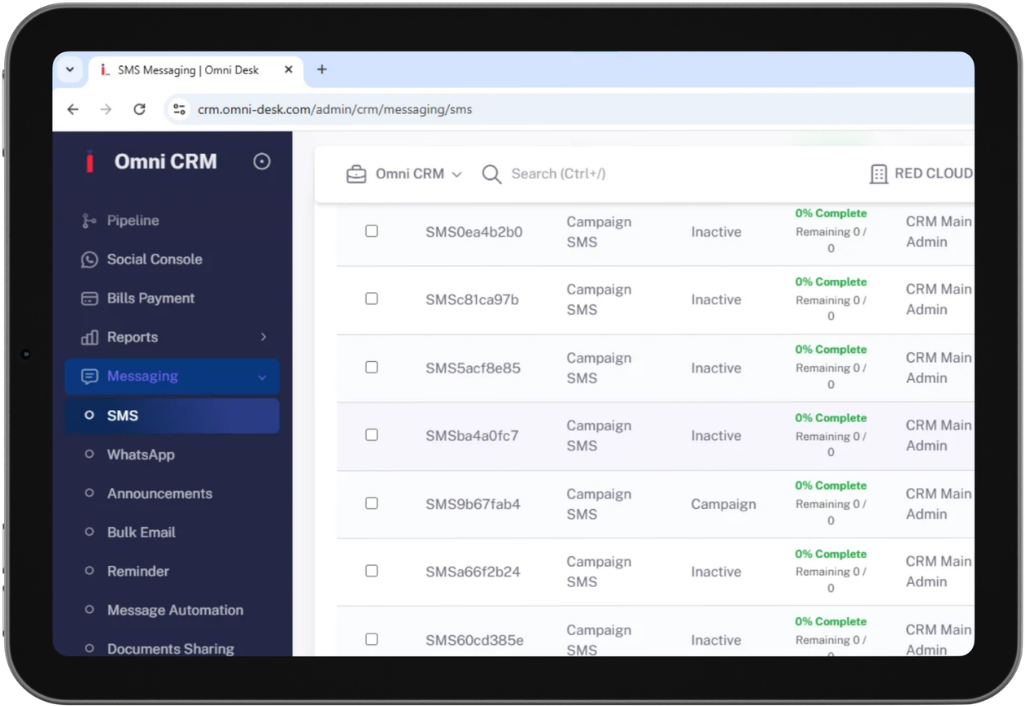
The Complete Solutions
All support requests from email, WhatsApp, live chat, and social media land in one shared inbox, automatically sorted by priority and assigned to the right agent.

Track every ticket from open to resolved with clear stage labels, SLA timers, and escalation triggers so nothing gets forgotten.

Every ticket is automatically tied to a customer profile — giving agents instant access to deal history, past issues, and communication logs before responding.

Support that runs itself
OmniCRM automates the heavy lifting of ticket management — routing, prioritization, and follow-ups happen automatically so your team focuses on solving problems, not managing queues.
Automatically route incoming tickets to the right agent based on issue type, customer tier, or department — no manual assignment needed
Trigger escalation rules when a ticket exceeds its SLA window, alerting supervisors and reassigning automatically
Drive Results with Smart and Flexible Solutions
Set response and resolution time targets per ticket type or customer tier, with automatic alerts when deadlines approach.
Automatically prioritize tickets by urgency, customer value, and issue category, ensuring agents address the most important cases first.
Measure response speed, resolution efficiency, ticket activity, and customer satisfaction with real-time analytics and reporting.
Create tailored ticket categories, custom fields, and support workflows designed to align with your team's unique processes.
Build a support system customers trust
-
View every customer's full history — open tickets, resolved issues, and ongoing conversations — in one place, so your team never asks a customer to repeat themselves
-
Set up automated first responses, status updates, and resolution confirmations so customers always know where their ticket stands
-
Identify repeat issues and trending complaints with AI-powered ticket analysis to fix root causes before they escalate
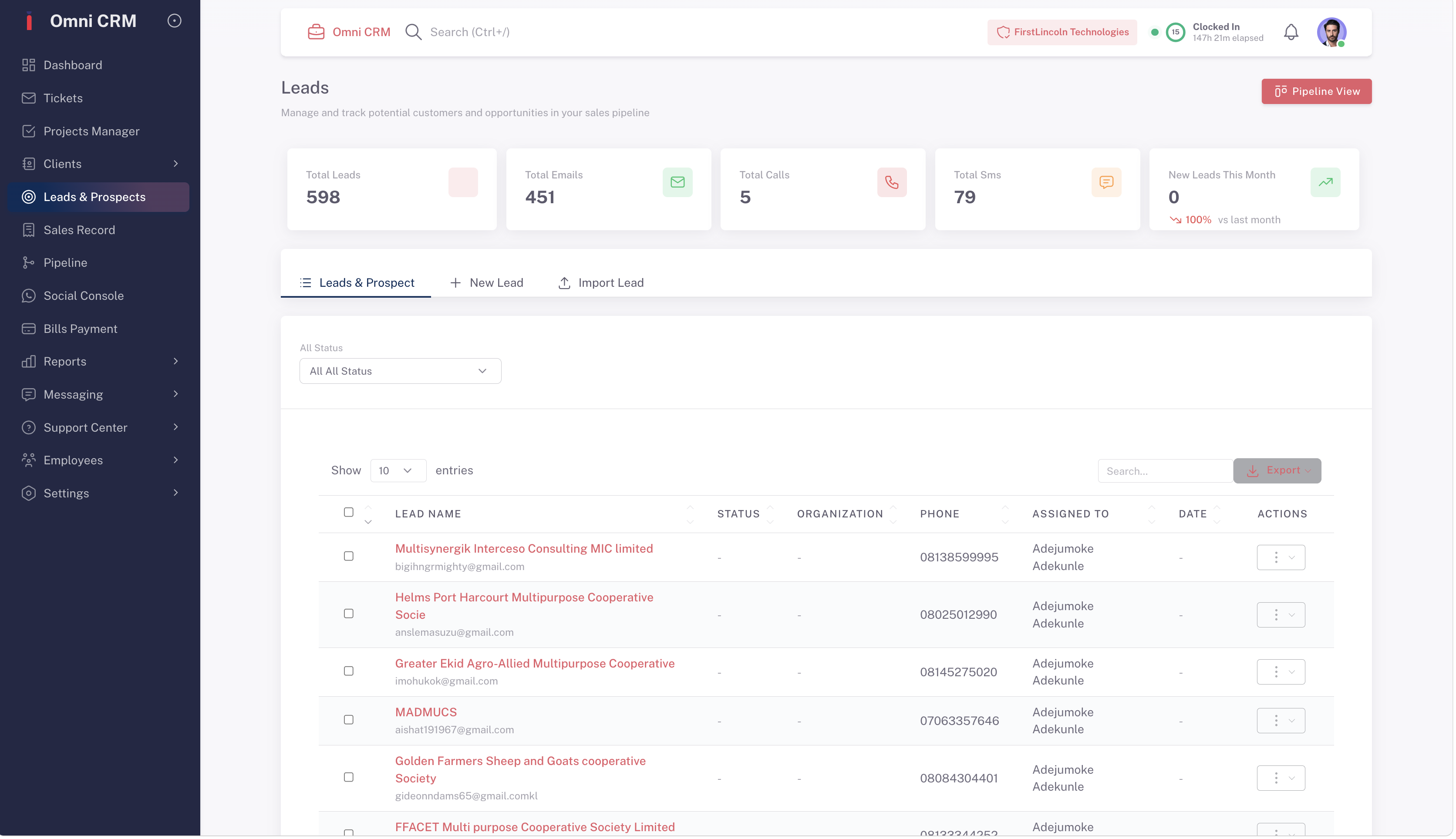
Pull up a customer's full profile the moment a ticket arrives — purchase history, previous issues, and account value — so every response is informed and personal.
Define ticket stages, assign ownership rules, and set escalation paths for every issue type — from billing queries to technical faults.
Measure agent performance, ticket resolution trends, and customer satisfaction scores to continuously improve your support operation.
Everything in One Place
Auto-assign tickets, send status updates, trigger escalations, and close resolved cases automatically — no manual queue management required.
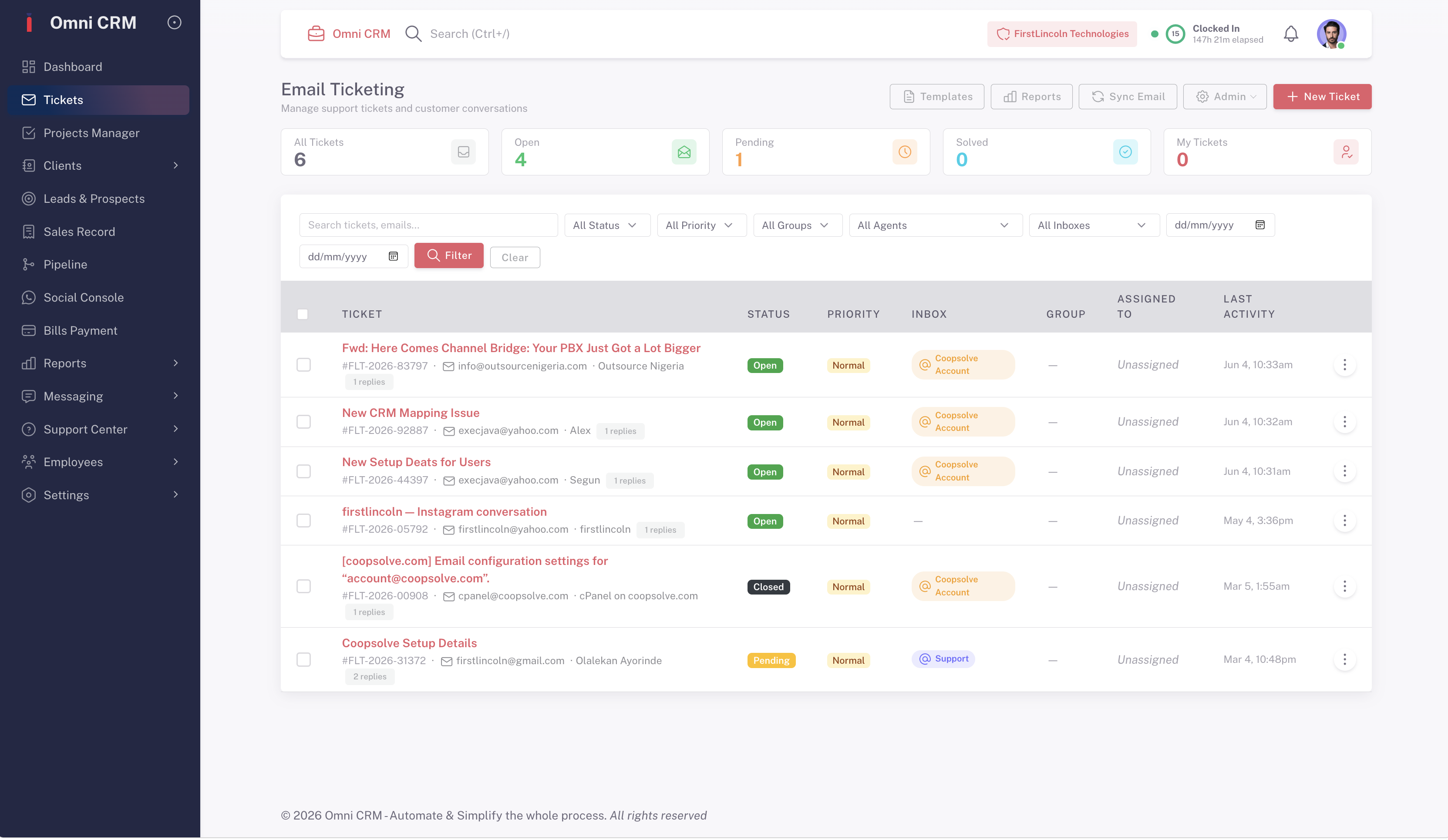
Let OmniCRM's AI suggest responses, summarize ticket history, detect customer sentiment, and flag high-risk tickets before they become churn risks.
.png)


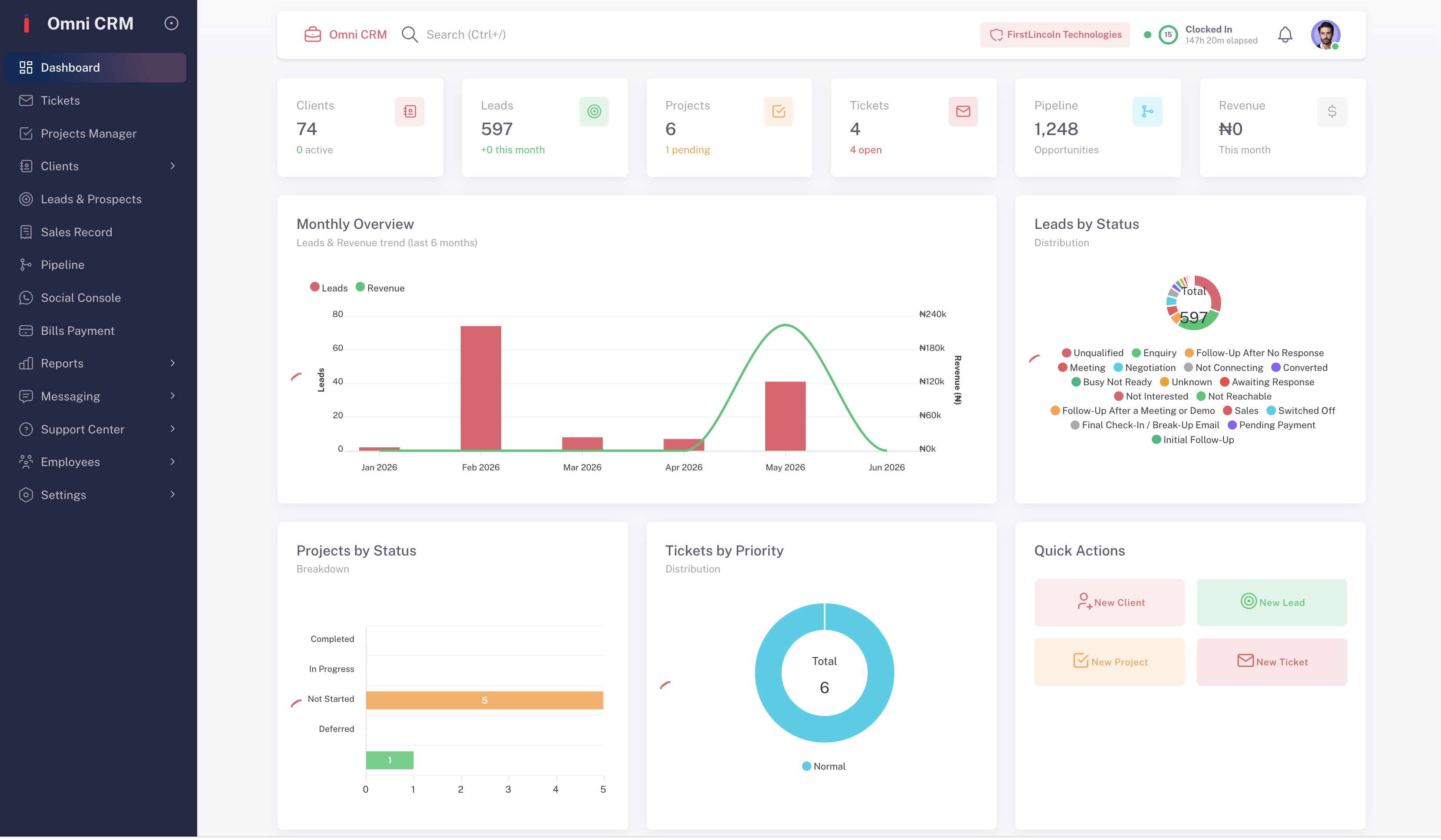
Every support interaction — ticket opened, response sent, issue resolved — is automatically logged to the customer's profile, building a complete service history without any manual entry.
Monitor ticket volume, average resolution time, SLA compliance, and agent workload across your entire support team
-
Identify your most common support issues and highest-volume complaint categories to proactively improve your product and processes
Connect your support stack seamlessly
-
Sync tickets with WhatsApp, email, live chat, and social media so every channel feeds into one support inbox automatically
-
Pull customer billing, order, and account data from connected tools directly into each ticket — no tab switching required